 TimeLens Time Block Tracker
 Know how focused you actually were
Start a task, track your session, and see exactly which apps helped you focus — and which pulled you away. All local, no subscription.

Everything you need, nothing you don't
Built for people who want to understand their time without the overhead.
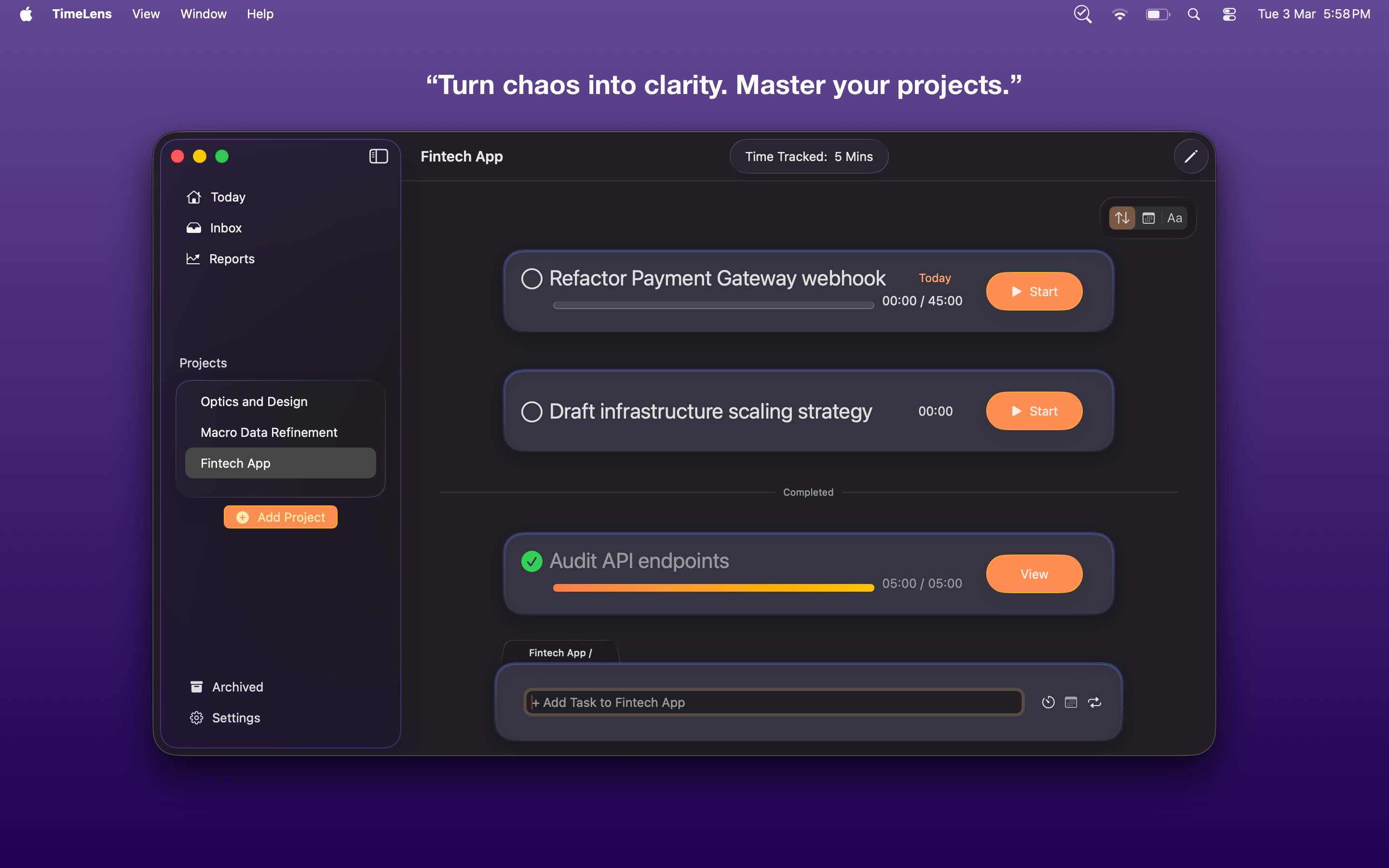
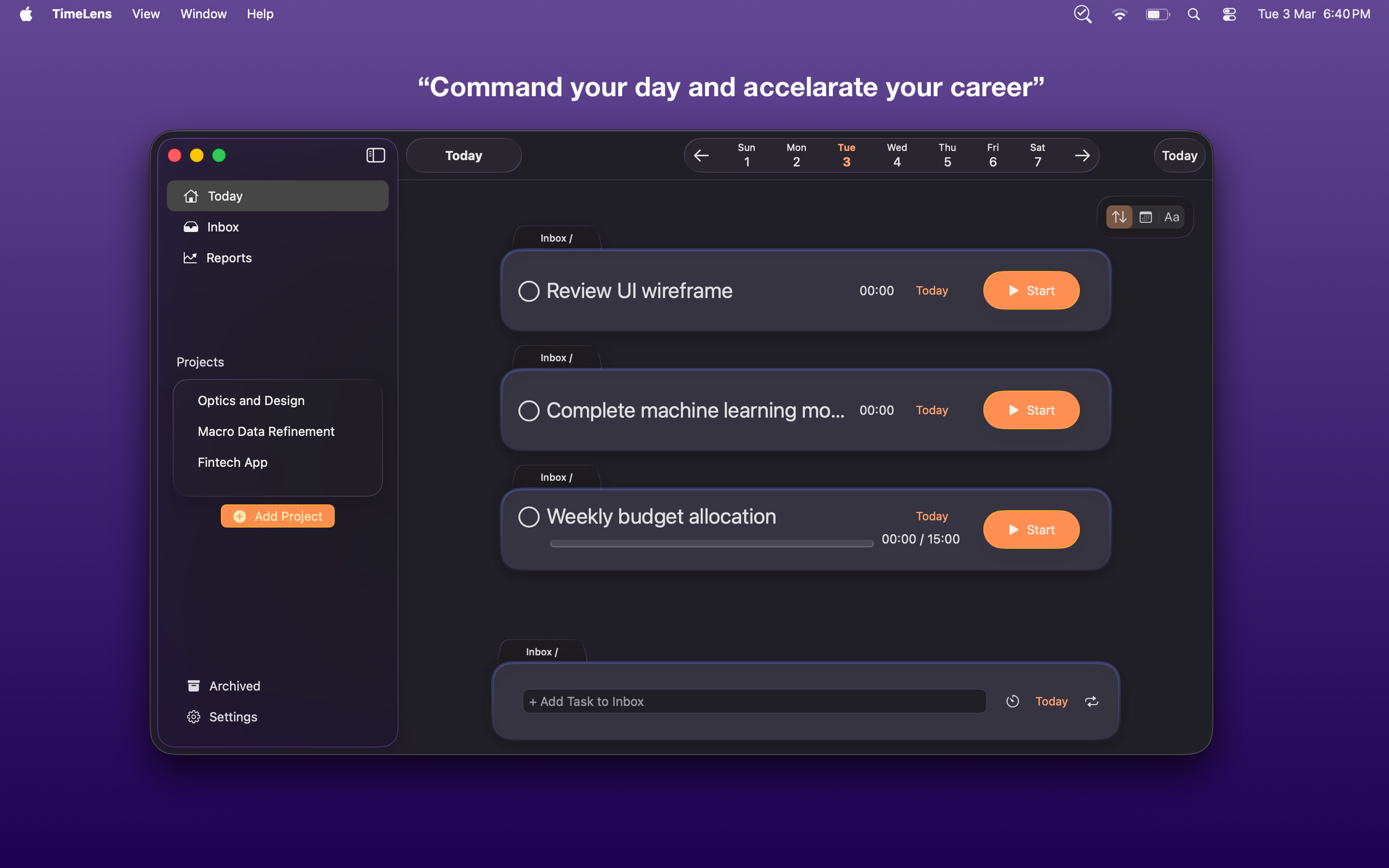
Time blocking, your way
Create tasks with countdown timers or open-ended stopwatch mode. Pause and resume freely — interruptions are counted, not penalized.
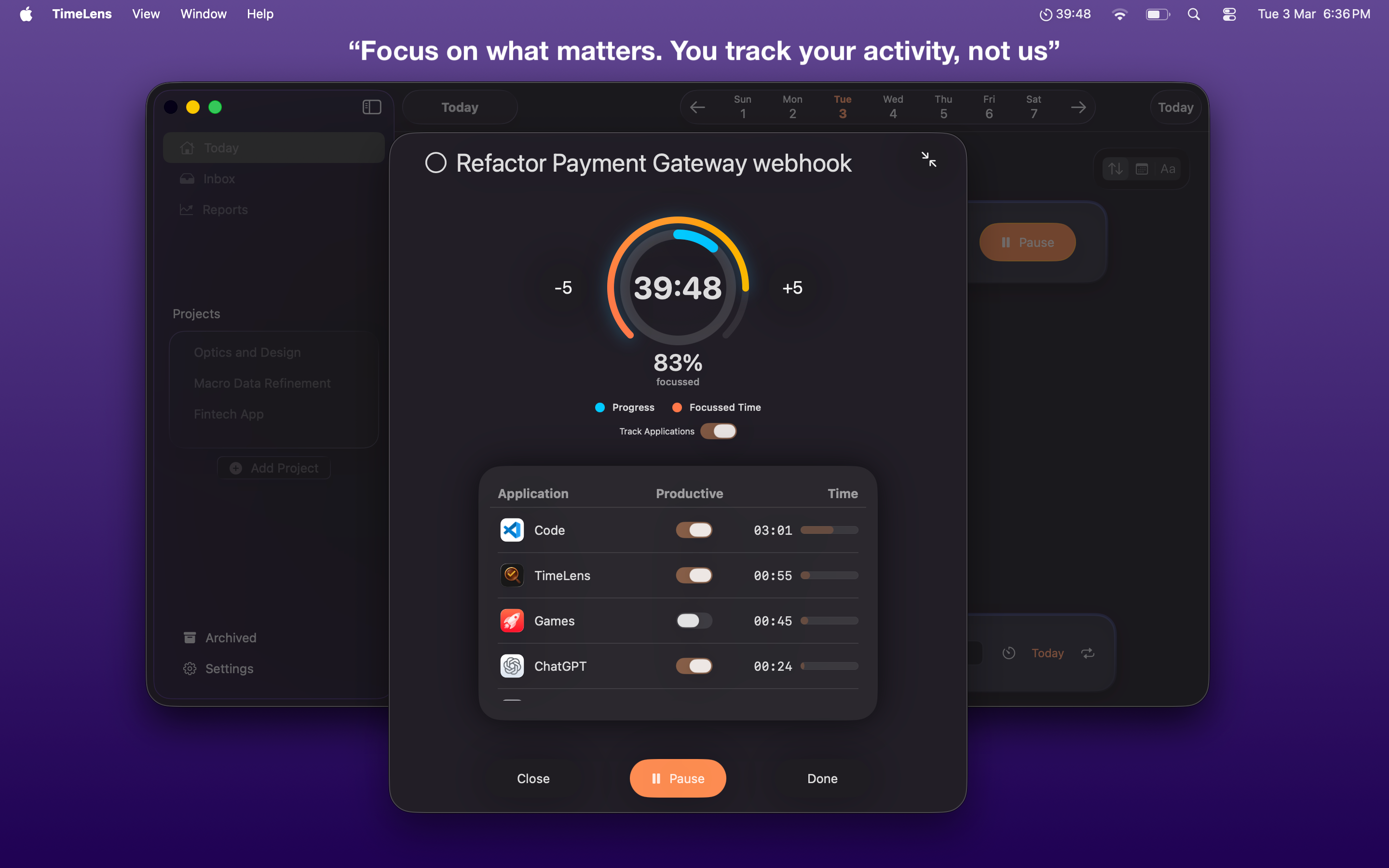
Know if you were actually focused
TimeLens tracks which apps you used during each session and calculates a focus score based on what you define as productive — per project.
Your data stays in your ecosystem
No third-party servers. No account required. Runs locally on your Mac with iCloud sync across your devices. You can disable iCloud for TimeLens anytime from System Settings.
Simple by design
Create a task
Add a task to a project. Set a duration or leave it open-ended for stopwatch mode.
Start tracking
Hit start. TimeLens records your time and logs which apps you use in the background.
Review your focus
See which apps helped you stay in the zone and which were distractions — per session.
Simple, honest pricing
Pay once. No subscriptions. No tricks.
- ✓ Free updates included for 1 year
- ✓ Works fully offline
- ✓ No subscription, ever
Mac App Store · Requires macOS 14 or later